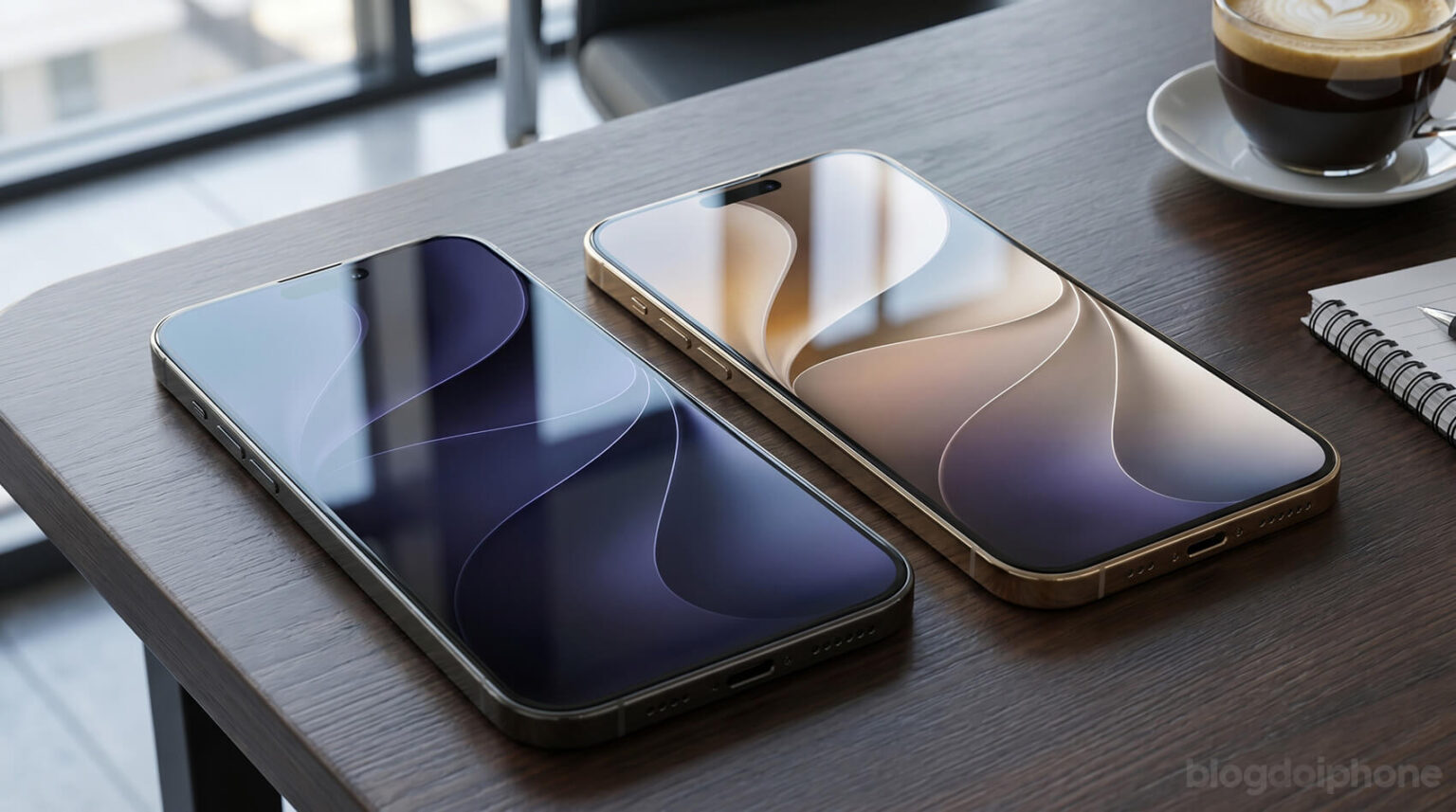
As happens every year, a new version of iOS comes with a fresh set of official wallpapers. And iOS 27 is no exception.
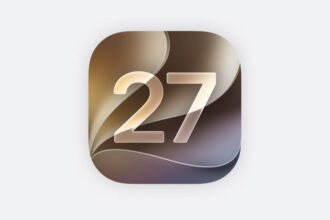
During WWDC 2026, Apple unveiled the redesigned look of iOS 27 and, alongside it, introduced the new wallpapers that will ship with the software update when it becomes available to everyone later this year.
The good news is that you don’t have to wait for the official release to start using them on your iPhone.
How to download the iOS 27 wallpapers
The images below were extracted from the iOS 27 beta and can be used on virtually any iPhone model.
To save them:
- Tap and hold the wallpaper image you want.
- Select the option to save the image to your Photos library.
- Open the Settings app.
- Tap Wallpaper.
- Choose the saved image and set it as your wallpaper.
Official iOS 27 wallpapers
Light Version

Dark Version

Apple also introduced a new macOS wallpaper during WWDC 2026. While it was designed for larger displays, it can look great on devices such as the iPad as well.

Apple typically releases new wallpapers alongside major software updates as a way to showcase each version’s visual identity. If you like the refreshed design language of iOS 27, these wallpapers are one of the easiest ways to bring that look to your device right now.